Hi there,
I noticed this when I tried to fire up the beta today:
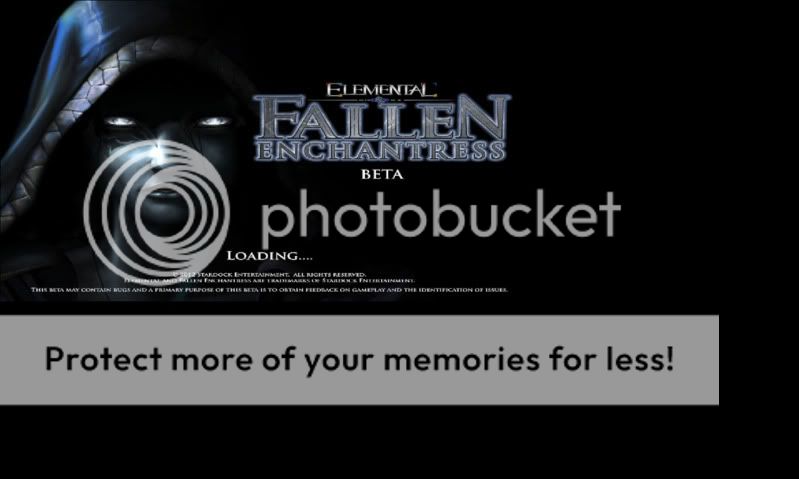
As you can see, the beta window does not fit my monitor resolution. Particularly noticeable is the text size...which is basically illegible. After the loading screen, the menu screen sits in the same frame - but worse still is that the menu options and the mouse cursor do not match up. That is to say, if I attempt to click 'Options' where that dialogue box appears on the screen...nothing will happen. I need to, in fact, click far to the right. Through doing this I eventually was able to get into the graphical options menu, where I found the resolution was set to 1024x768. After randomly clicking across the screen I eventually found the corresponding location to modift the resolution, and did so (first to 1680x1050, then modified it for different monitors). Saved and exited. The problem was the same.
At first I assumed this may be due to running multiple monitors of my laptop. So I uninstalled, removed the monitors, and fired everything up off a clean reboot. Same issue as above.
I also tried manually editing the settings.ini file in the Fallen Enchantress folder (modifying the resolution) but that appeared to have no effect whatsoever.
At this stage I am a complete loss as to how to fix it. I attempted to change my native resolution down to what the game was set at on a third install (1024 x 768) but I was met with the same problem. Any ideas?
All the best,
Daniel
