"All groups" includes the entirety of the desktop?

Windows Version Number: Windows 11 25H2 (26200.9457)
App Version: 6.54

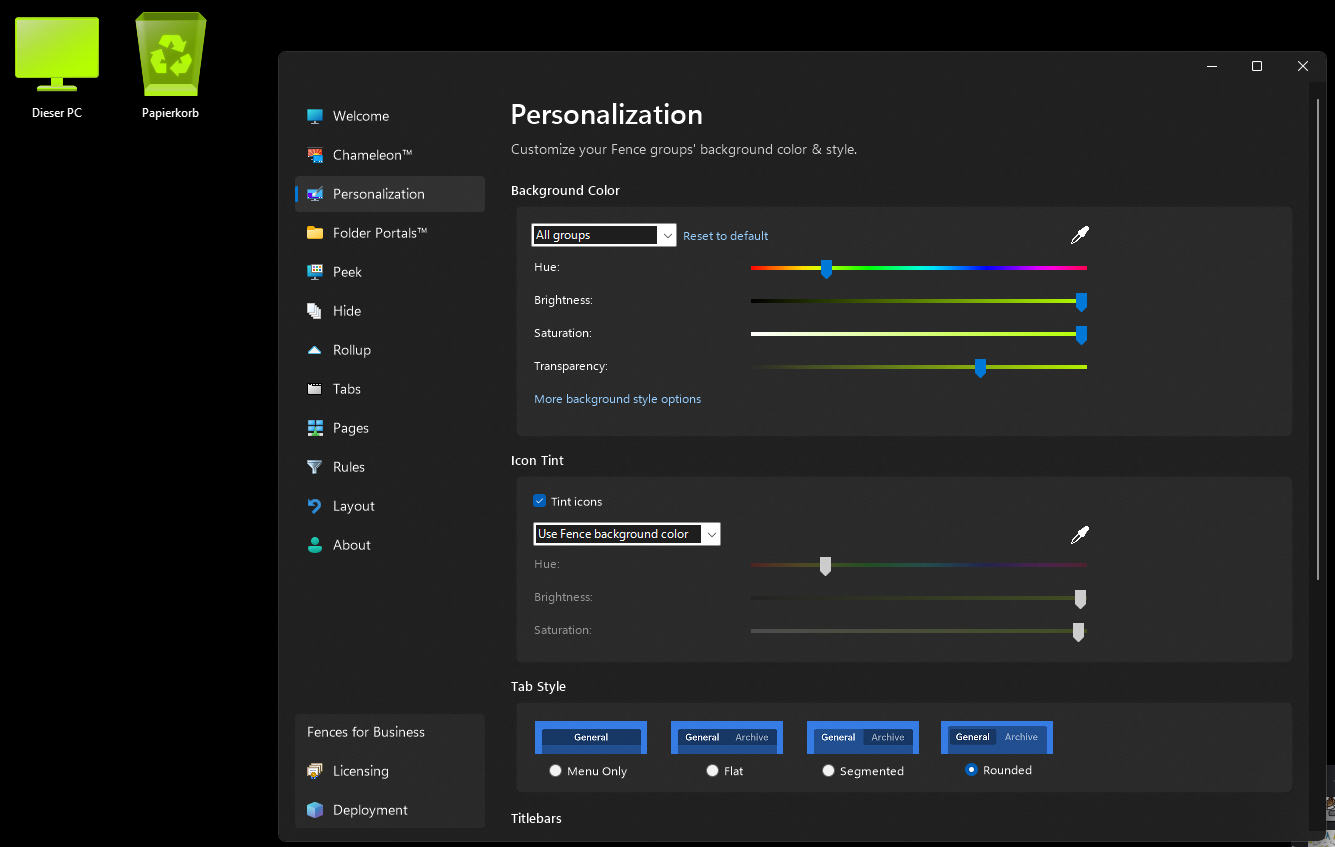
Example situation below: This setting will result in all icons, including desktop icons outside of any folders or fences, changing their colors according to the color settings, including folder and files.

Is this intended behaviour? Does it mean that installing Fences will automatically consider the entire desktop as one Fence? Would be quite unintuitive and the fact that this isn't communicated on first start up is what makes me believe that this isn't intentional, unless I missed it?
522 views 5 replies
Reply #4 Top
Answer

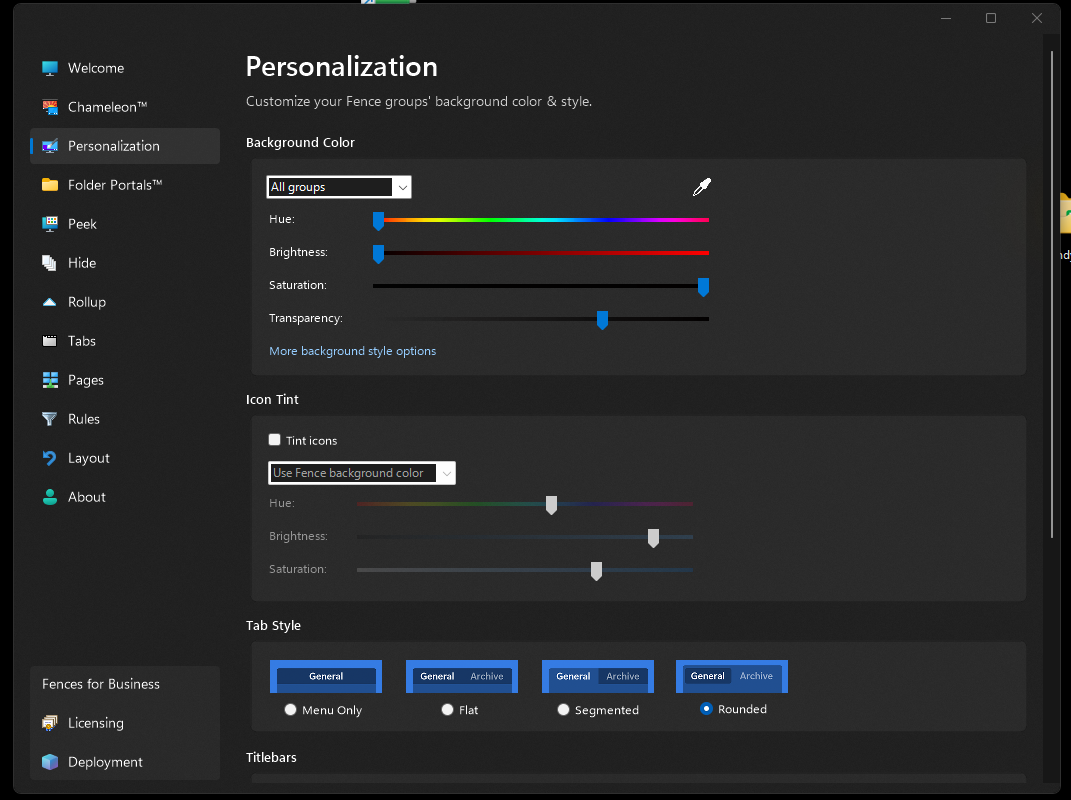
Per basj - please disable "Icon Tint", below.

It is enabled automatically when you adjust group coloring for the first time, and there is a popup balloon notifying of this the first time it happens that may have been dismissed.

Jump to answer in thread
Reply #1 Top

Hello,
Sorry to hear you are having issues. Those are for Fences background only. If you choose all groups, than all Fences will have same color background. But, you also have option do color your Fences background individually. 

Thank you,
Basj,
Stardock Community Assistant.

Reply #2 Top

As I have written, the color setting will also change the colors of any other symbol on the desktop due to "All groups" being selected.

Reply #3 Top

That is because you have turn on the icon tint. Try disable that.

Thank you,

Basj,
Stardock Community Assistant

Reply #4 Top
Answer

Per basj - please disable "Icon Tint", below.

It is enabled automatically when you adjust group coloring for the first time, and there is a popup balloon notifying of this the first time it happens that may have been dismissed.

Reply #5 Top

Thanks. I wouldn't have thought of it ever being a thing to tint non-fence icons. My bad.