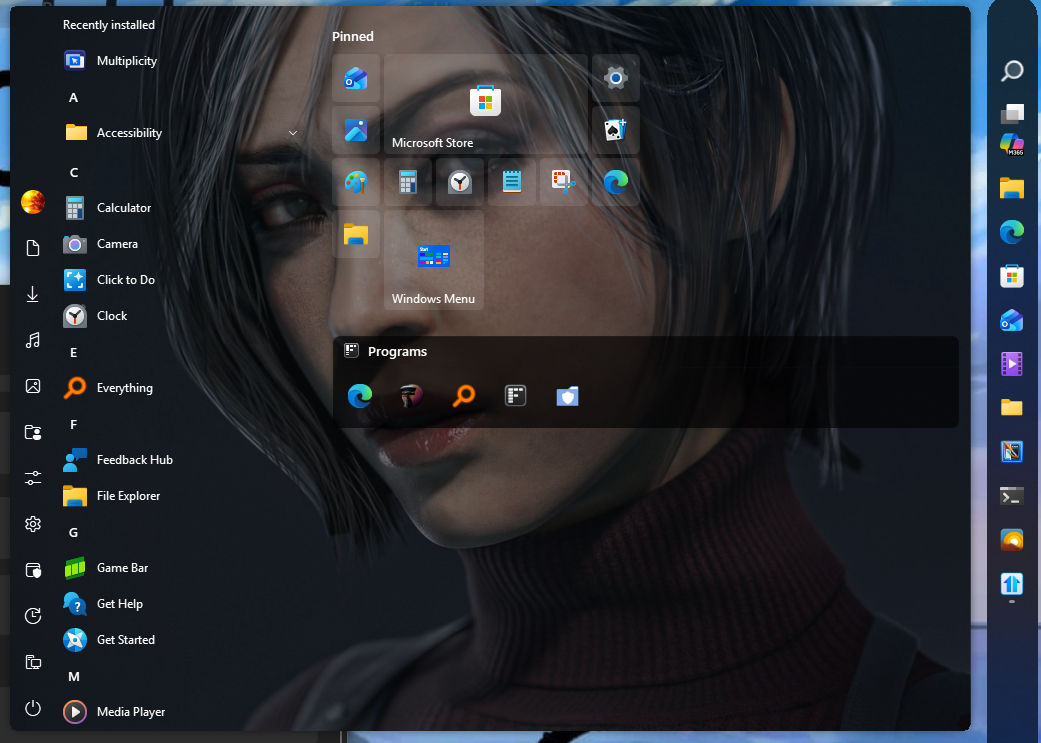
the start11 bugs

The custom buttons are having a hard time loading on the task bar. If it helps I have the task bar to the right hand side of the screen and the not centered and if there is no program maximized the task bar is rounded but if is maximized than rectangle. The start11 version is 2.74

Moved to Start Menu Products area

218 views 5 replies
Reply #1 Top

Hello,

Sorry to hear you are having issues. Need to know which version Windows 10 or 11 you have and which Build number? Use Winver.exe to get this number. Also do know that there is a new v2.80 Beta release few hours ago. It is best if you could download, install and test out that version. The v.2.80 was mentioned to have better support for newer Windows 11 taskbar function on v26H2. Refer here for more information: Start11 v2.80 Beta

Thank you,

Basj,

Stardock Community  Assistant.

Reply #2 Top

The info you wanted is windows 11 version 25h2 (os build 26200.9168)

I tried the beta version it still doing it there to with no difference.

A update it does eventually load in. I thought that you would have to click into the application and reselect the button to make it appear. I was impatient but it takes longer than it did before. Here is the time frame I start the stopwatch as soon as I see the desktop stopped it when the button appeared it took 01:03.29. From desktop to partial load of the settings of start11 00:04.39 and additional 00:58.90 for the button. 

Reply #3 Top

Just to be clear, you're referring to Custom Start button, yes? Does the issue appear on any Custom Start button, including those that come with Start11 or only specific Start button? 

Perhaps post a screenshot shot or a short video would help us understand your issue better.

Thank you,

Basj,

Stardock Community  Assistant

Reply #4 Top

the last update is wrong in some ways it only happens some times but sometimes it doesn't load icon by itself found out when I tried to record the function the first time. But this video will tell what I did after that and what I found out.

Reply #5 Top

Thank you for the video, appreciate you taking time to look into it deeper, with it, I can reproduce your issue. I have forwarded your problem/question to Stardock Support Team for their assistance. Please keep an eye on this thread for any updates. We appreciate your feedback and patience. 

Thank you.

Basj,

Stardock Community  Assistant