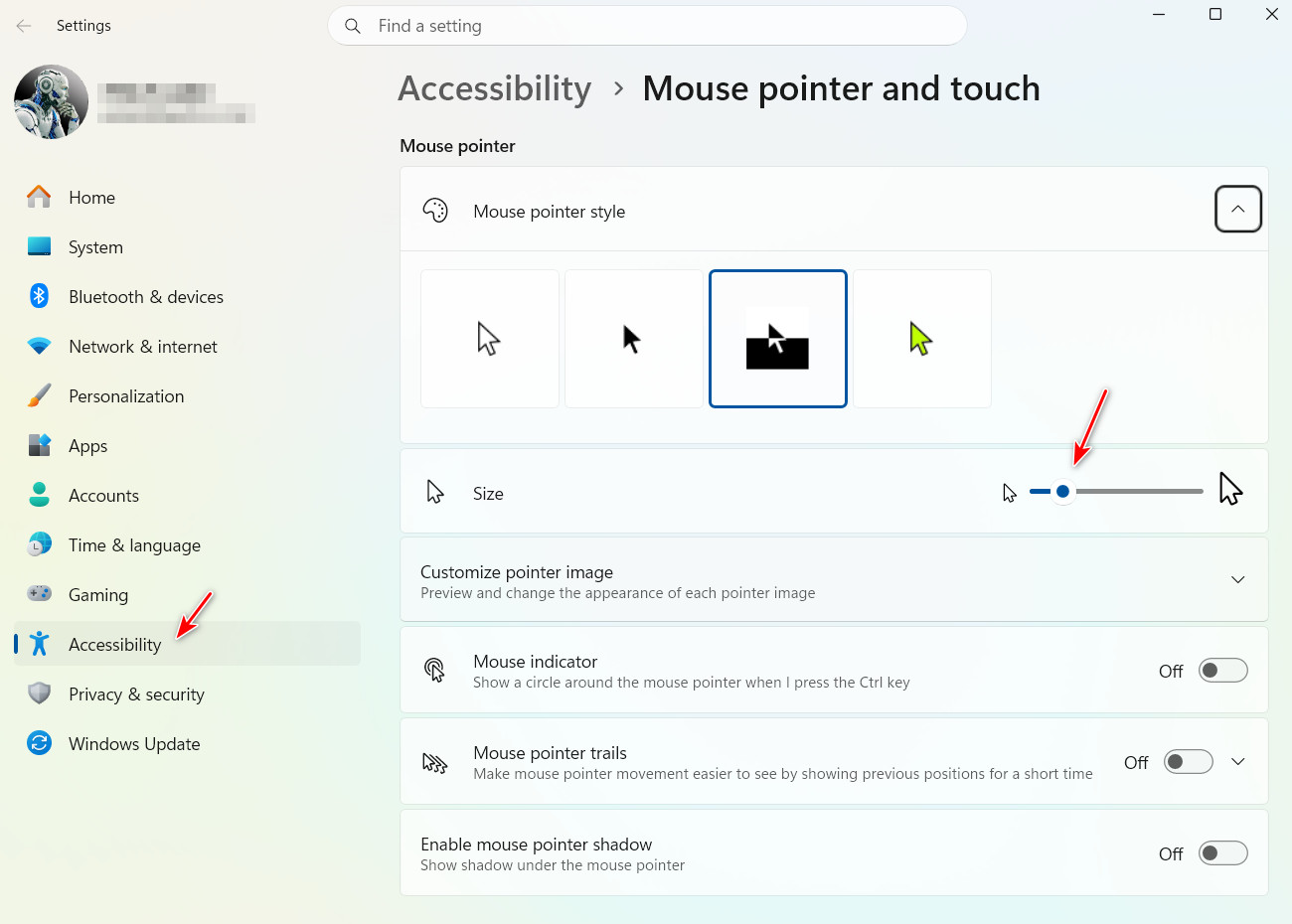
Thank you for clarifying. When you mention “last update,” do you mean a Windows update, a CursorFX update, or possibly another software update that might affect how CursorFX interacts with Windows? Sometimes changes to display drivers or display settings can also trigger issues like this.
If the problem were widespread, we’d expect to see multiple reports from other CursorFX users, but so far this seems isolated. That’s why the uninstall/reinstall step is our standard first approach, it helps reset the environment and rule out update‑related conflicts.
As a side note, I’m also running a dual‑display setup with one screen scaled to 150%, and I don’t see the same issue on my system.
Added note: I am on Windows 11 25H2 (OS Build 26200.9168) perhaps update your Windows 11 to latest Windows 11 official released version.
Thank you,
Basj,
Stardock Community Assistant


 Stardock Forums
 WinCustomize Forums