Hi mississaugaIT and thank you for posting.
Quoting mississaugaIT,
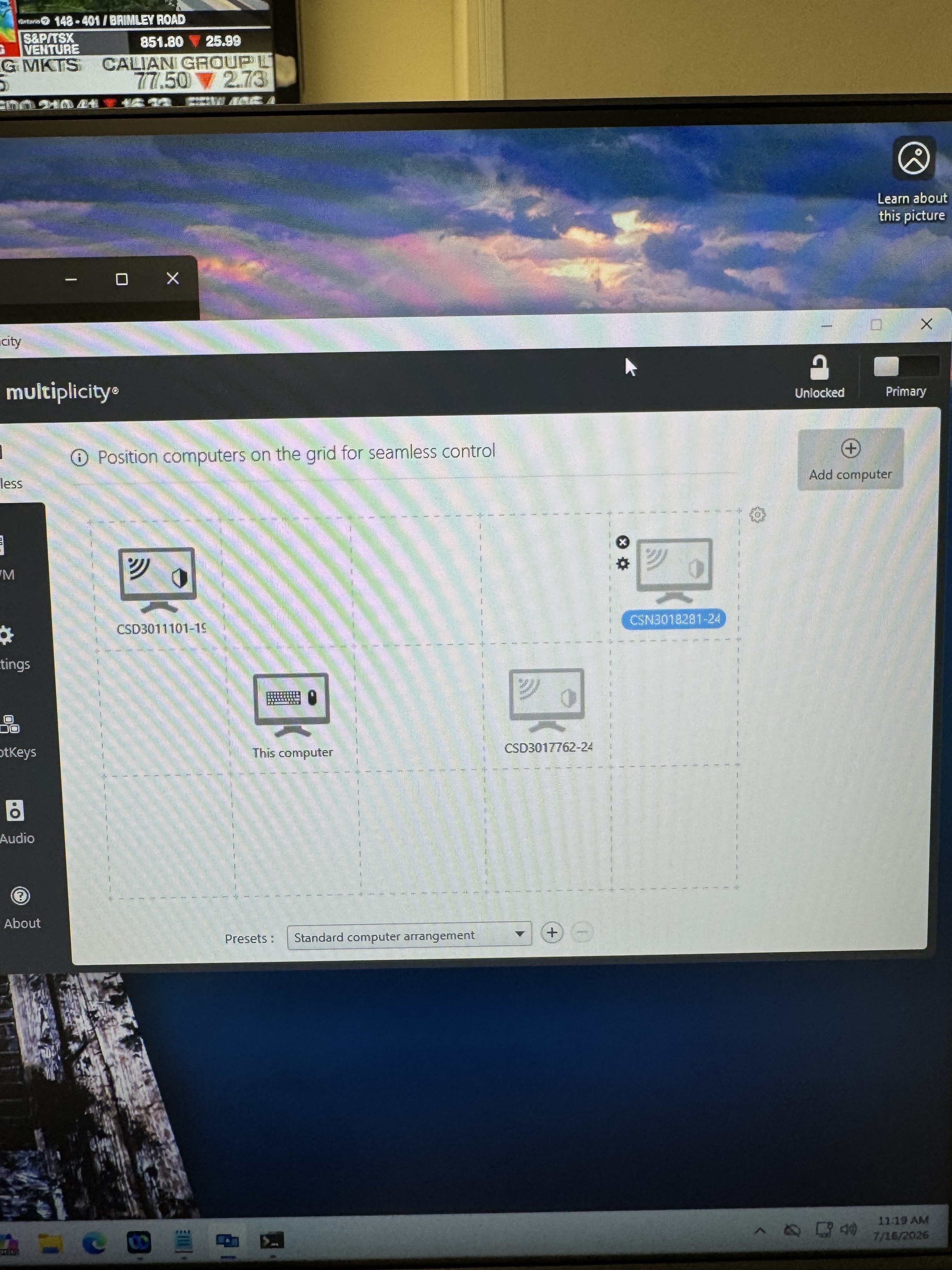
I receive an Issue when trying to connect from a primary machine (windows 11 or windows 10) to a secondary machine, they are unable to connect if the machine is on windows 11. The pcs are greyed out (see attached screen shot).
End of mississaugaIT's quote
I can confirm nothing is preventing Windows 11 -> Windows 10 (or Win10 -> Win 11) connections from working specifically. Meaning, there must be something else causing the issue here.
When a computer added to the grid is greyed out, that means the connection hasn't been successfully established.
Please make sure both computers are running (the same version of) Multiplicity and are reachable via network. You can try removing them from then grid and re-adding them. For any new connection, make sure to test it by clicking the gear icon with the checkmark:
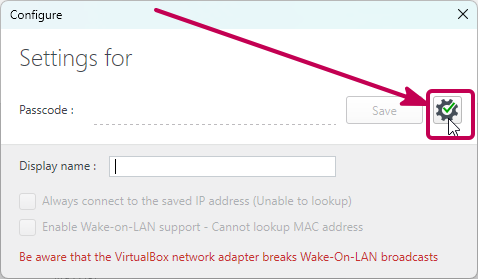
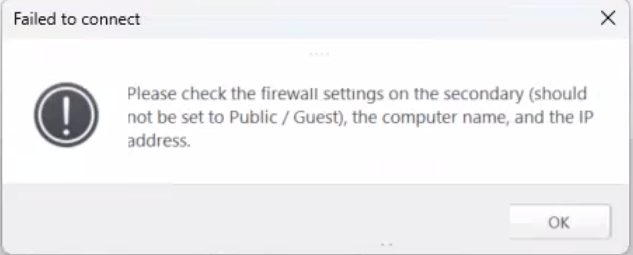
If successful, you should get a success message. If not, an error should help indicate what's wrong. If so, you can use the guide below to troubleshoot through other common connection issues:
https://support.stardock.com/space/SHC/1287946260/Multiplicity+Connection+issues+101
Please let us know if you have any further questions along the way.
Best regards,
Adam McGuinness
Stardock Support Specialist


 Stardock Forums