Search no longer returning expected Settings/Control Panel items

I found prior posts for this type of problem, but those were resolved years ago and I found no recent reports.

On two different installations of Start 11 v2.72 (Modern Theme), items from Windows Settings/Control Panel no longer surface during searches. For example, 'Update' has always returned Check for (Windows) Updates but now does not. If I turn off Start 11 search, 'Update' does return the Windows Update item. Start 11 search does not display Settings/CP results even when typing the literal name of the setting 'Check for updates'. Same problem with 'Printers', 'Bluetooth', and on and on. 
Also tried Use old Start10 style search and toggling Everything Search off.
1,022 views 16 replies
Reply #1 Top

Hello,

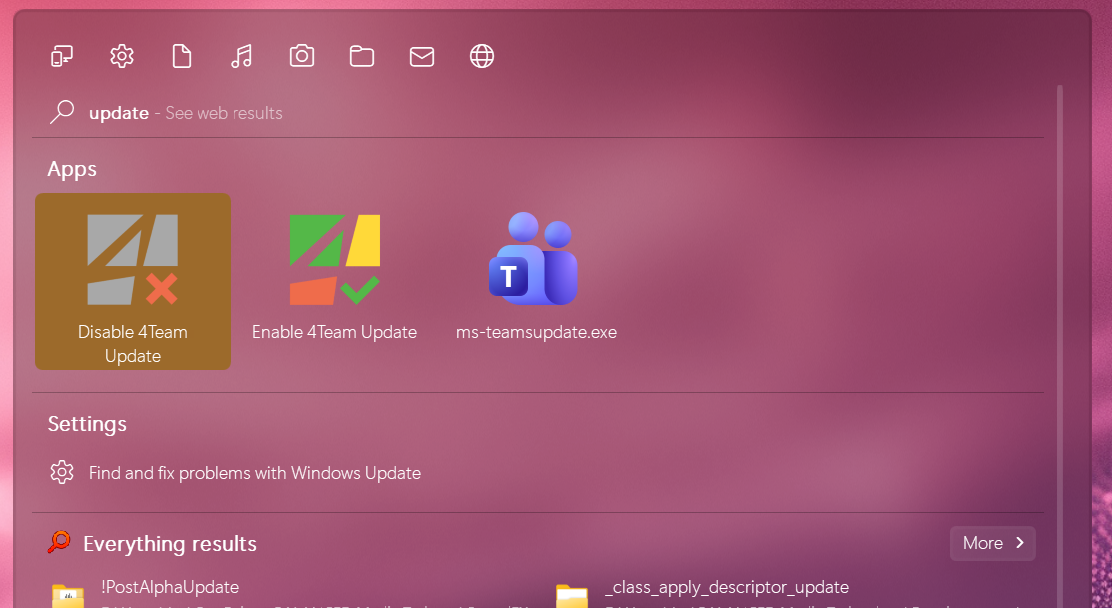
Sorry to hear you are having issues. This is what I get when I search "Update" on my system.

Please post some details.

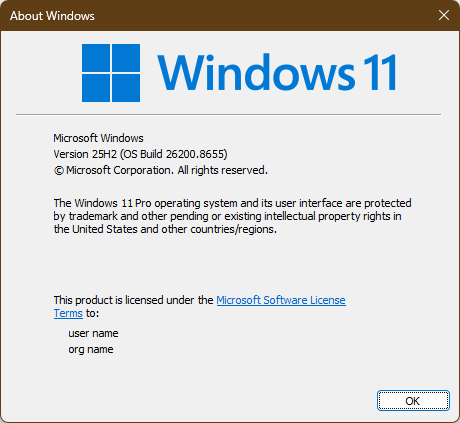
  1. Windows 11 full version and OS Build number. Please use Winver.exe.
  2. Post screenshot on what you get when your search for update.

Thank you,

Basj,

Stardock Community  Assistant.

Reply #2 Top

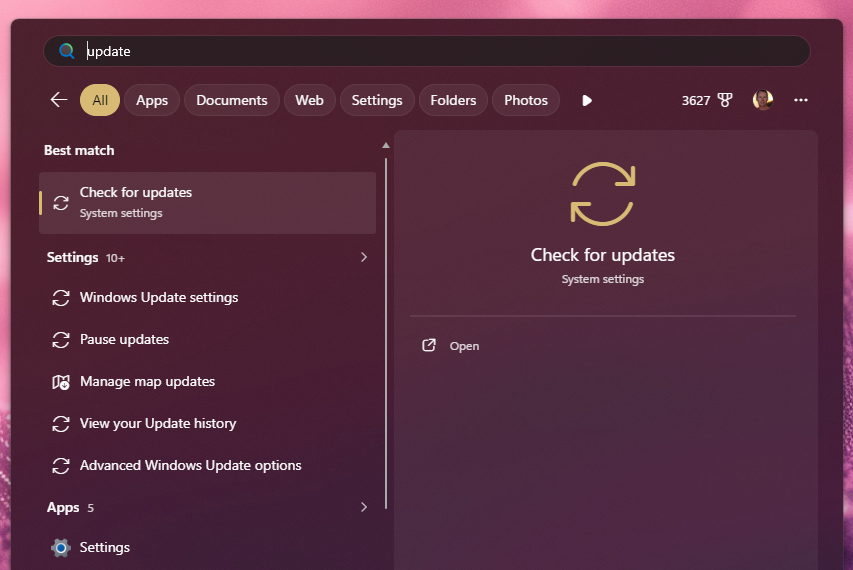
Here is what mine returns:

Even filtering for Settings doesn't change the results materially.

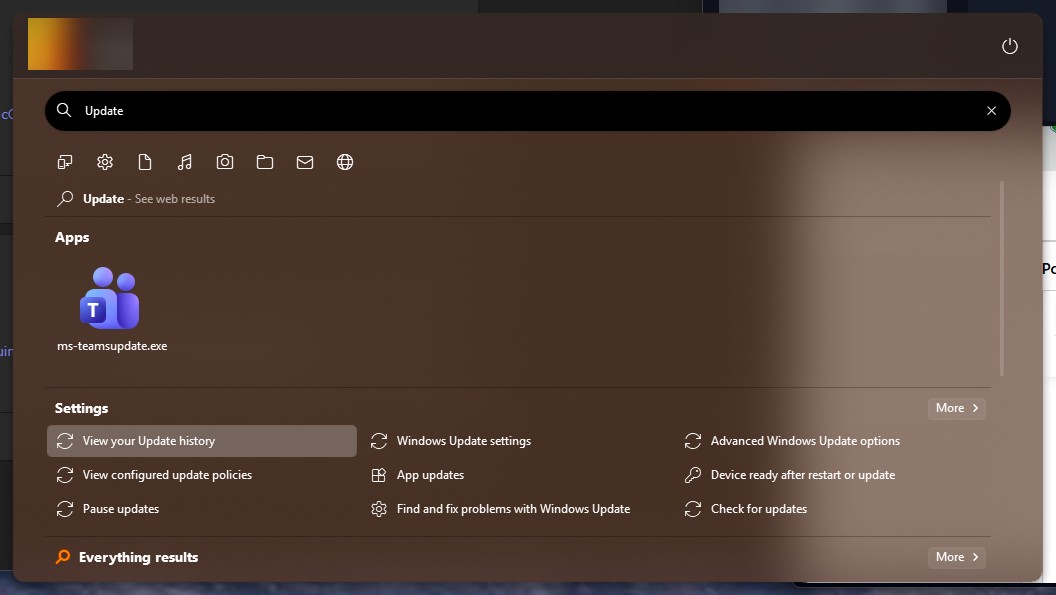
and here is what standard Windows start menu search returns (expected):


Windows 11 Version 25H2 (OS Build 26200.1001)

Reply #3 Top

I am on Windows 11 v 25H2 (OS Build 26200.8655), perhaps try to update to latest Windows 11 version. So we on the same level.

Thank you,

Basj,

Stardock Community  Assistant

Reply #4 Top

Updated to same version of Windows 11. Nothing has changed with regards to search results.

Reply #6 Top

I mean, sure, I will try it but native Windows search already returns the expected results so I am not optimistic it will change anything.

Reply #7 Top

As expected, rebuilding the index was not a fix (plus, did you know that system applets, settings, and native modern apps are handled exclusively by a database called the Search Core Package Index, not Search Indexer?)

I want to point out again that this is happening on two different installs of Start11 on very dissimilar hardware and not the same Windows version.

Reply #8 Top

Is this an unmodified Windows install, or have you used any 'debloating' stuff on it?

Reply #10 Top

Hello,

I have forwarded your problem/question to Stardock Support Team for their assistance. Please keep an eye on this thread for any updates. We appreciate your feedback and patience. Thank you.

Basj,

Stardock Community  Assistant

Reply #11 Top

I believe we have found the issue and should have it fixed for the next update which hopefully will be this week (as a beta)

It only shows on some machines for some reason.

Thanks for letting us know.

+1 Loading…
Reply #12 Top

Hello and thank you for posting.  This has been logged.

Internal reference: ODNT-12472

Best regards,

Adam McGuinness
Stardock Support Specialist

Reply #13 Top

Awesome! Thanks everyone. Looking forward to the update.

Reply #14 Top

Hi RealRedJay,

I've reached out in a private message with a build you can try.  

Please check your private messages and let us know if this helps to resolve the issue.  Please remember to restart the PC after installing the update.

Thank you and best regards,

Adam McGuinness
Stardock Support Specialist

+1 Loading…
Reply #15 Top

I responded to your PM but, just to update here, the updated build did successfully restore settings in searches for me. Thank you for the quick fix!

+1 Loading…
Reply #16 Top

Great, really glad to hear that. Thank you for reporting back.

Basj,

Stardock Community  Assistant