Application Bar problem at StartUp
from  Stardock Forums
Stardock Forums
When Windows starts up, the toolbar does not appear when you move the mouse, probably because the toolbar window is hidden behind the programmes that Windows automatically opens in full-screen mode.
The only ways to open it are:
- Using the Windows key opens both the Start menu and the taskbar
- Minimise all programmes open in full-screen mode (including via Windows-D) so that no window covers it
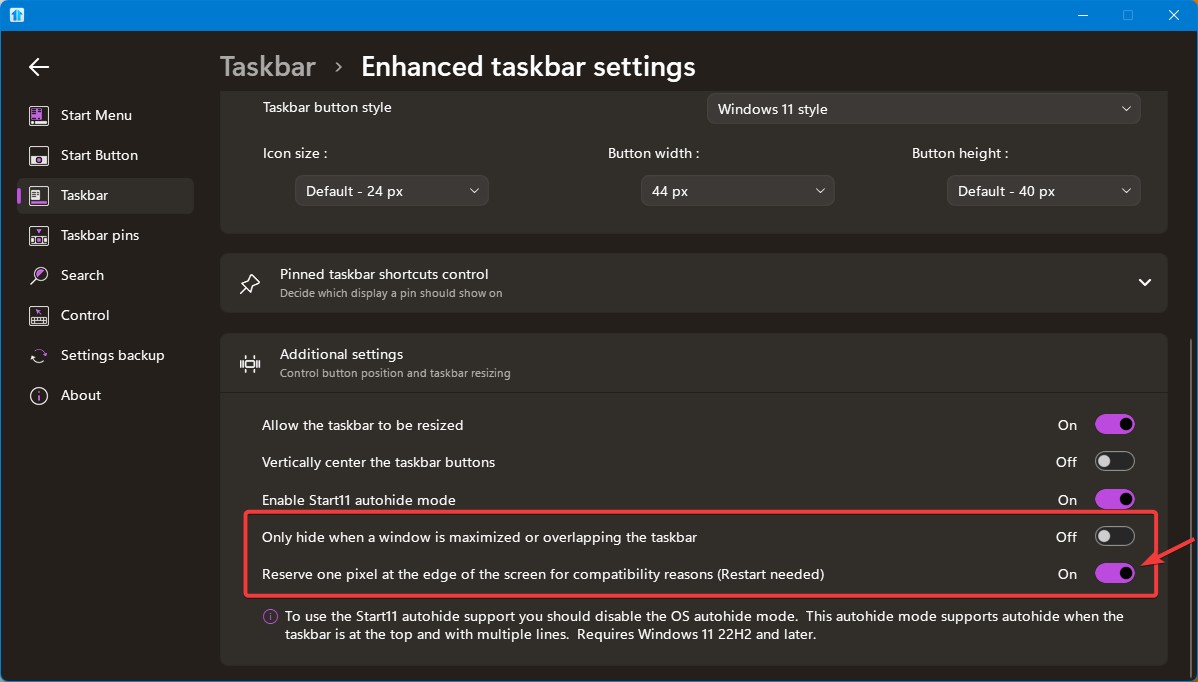
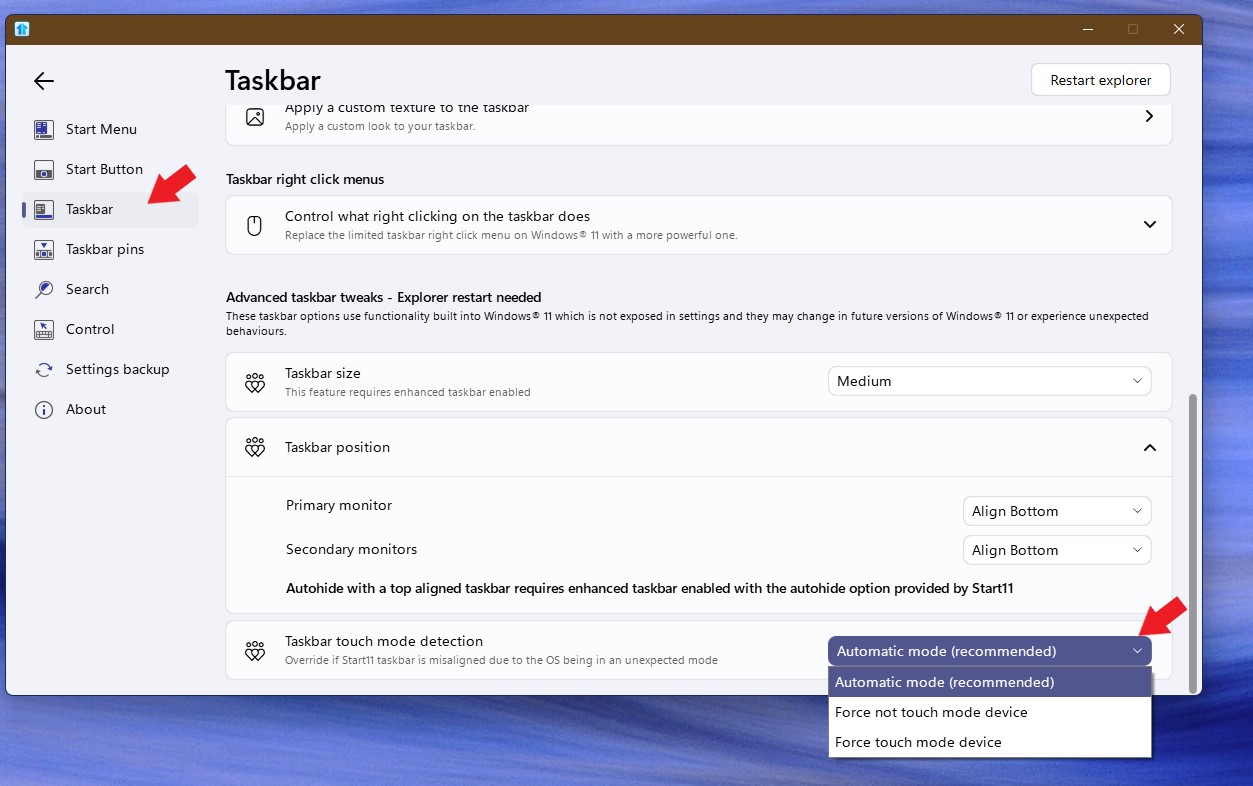
Settings Start 11 Tools Bar
- Icon size 24 px
- Button Width 44 px
- Button Height 40 px
- Autohide on
- 2 icon rows