
Windows 10 central start button

Problem with the start button

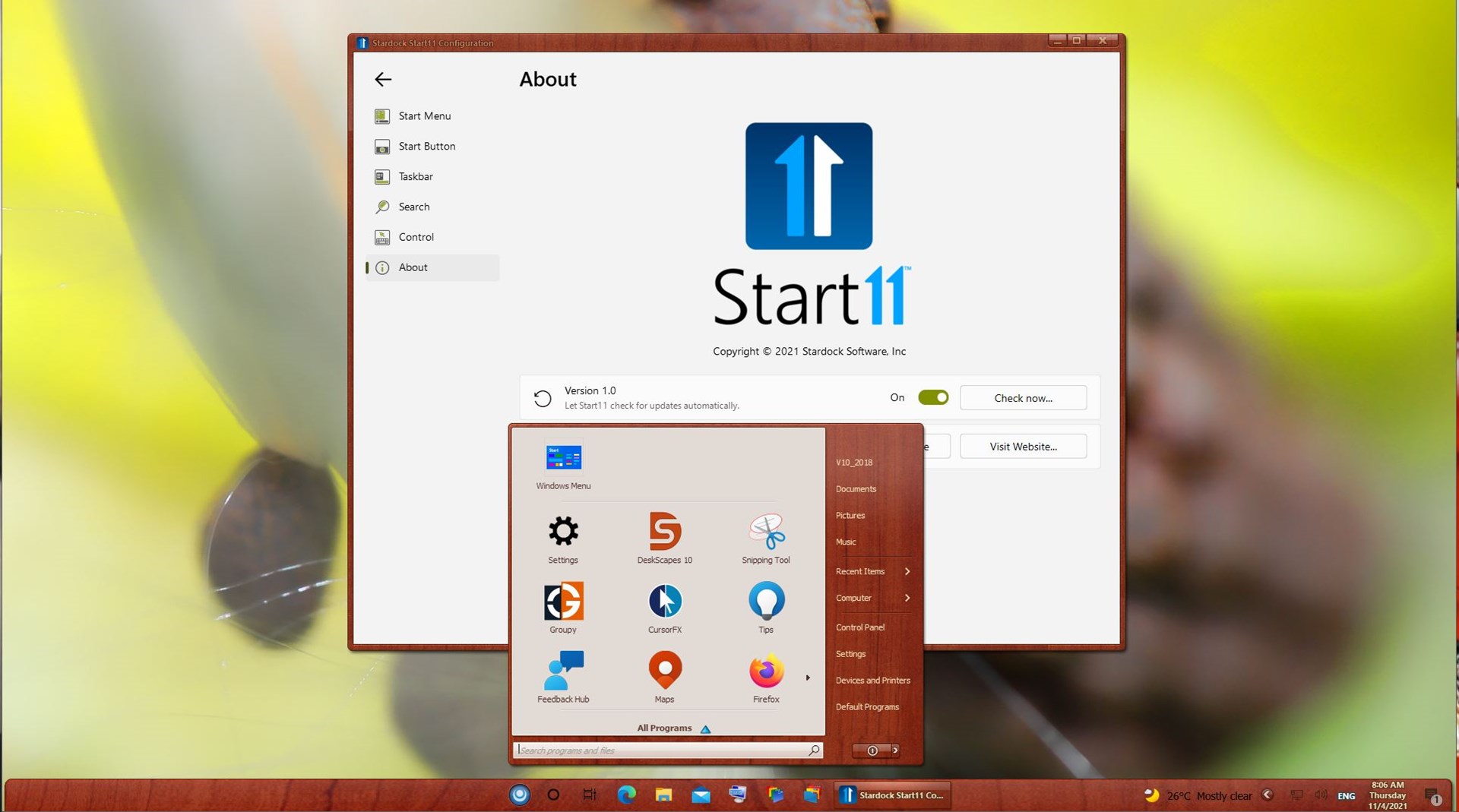
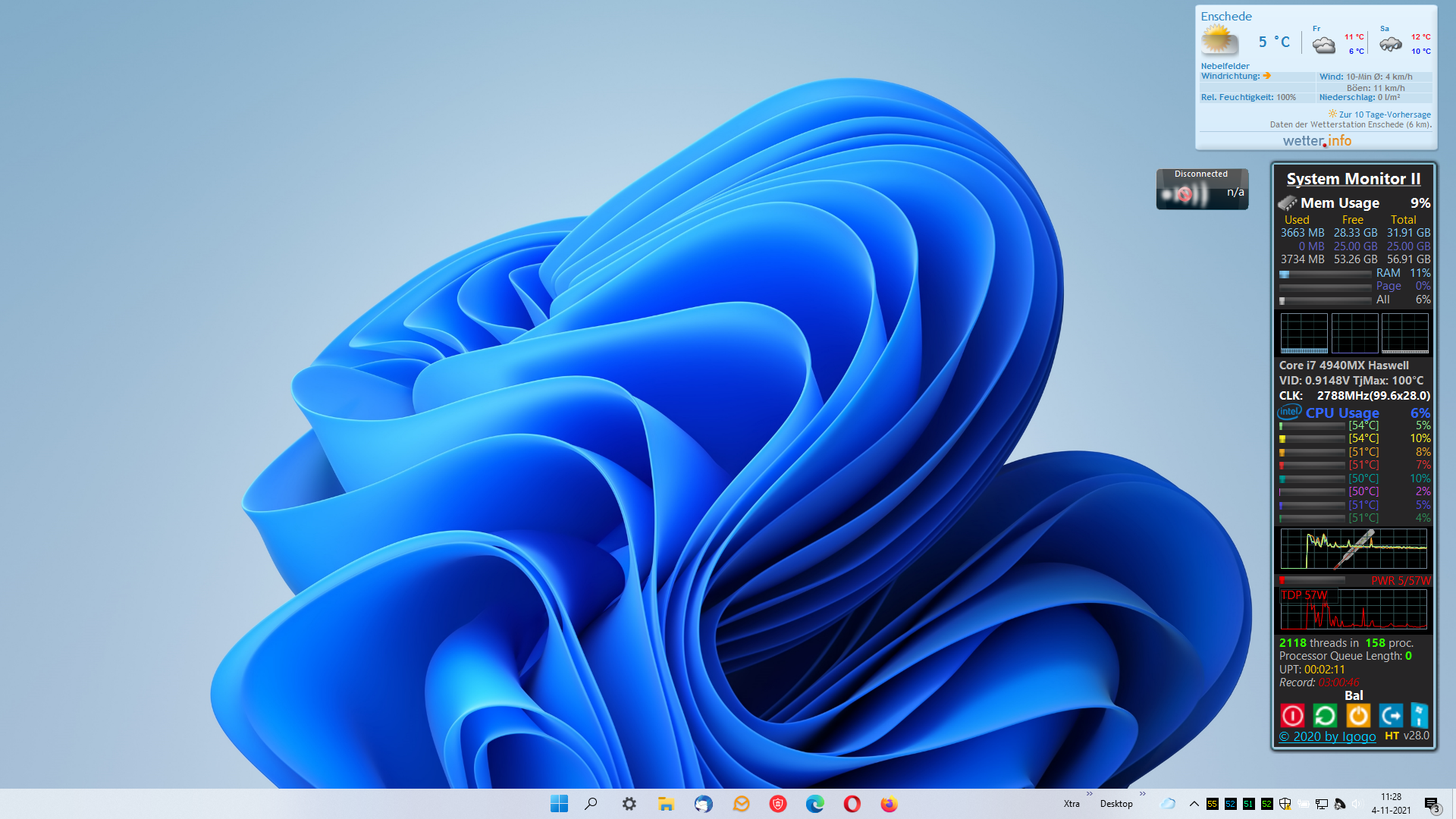
In Windows 10 with Start 11 I chose the Windows 11 mode.

So the start button went central on the Taskbar.


But for example, after installing 8GadgetsPack the start button moved to the left, the original position and stays there.

Start 11 is still beta, but I hope there will be improvements, so that the central start button stays in Windows 10.
3,308 views 6 replies
Reply #1 Top

Hello,
Sorry to hear you are having issues. But, have you try the Start11 V1.0? I see it centered on my Windows 10.


Basj,
Stardock Community Assistant.

Reply #2 Top

Hello Basj,

I have finally figured it out.

The problem is Curtains, whenever a style is activated through Curtains, de Start button moves tot the left corner in the taskbar.

Maybe this is an issue you have to look in to.


Curtains is now removed.


Reply #3 Top

Quoting abraham54, reply 2

Hello Basj,

I have finally figured it out.

The problem is Curtains, whenever a style is activated through Curtains, de Start button moves tot the left corner in the taskbar.

Maybe this is an issue you have to look in to.


Curtains is now removed.


Reduced 86%
Original 970 x 546


End of abraham54's quote

We have an update for Curtains in testing now to resolve this issue.  Hopefully it will be released later this week or next week.

Reply #5 Top

That was not from me, that was from Neil himself.

Thank you,

Basj,
Stardock Community Assistant