


Icon-A-Day 2.0, Day 4. Open Folder, Live Folder, what's the difference?
 JoeUser Forums
 Back in the dark times of 2005, we did not have such things as Live Folder, and the Open Folder was a rarely seen anomaly on the Windows desktop. Now things have changed; though you rarely see the actual Open Folder icon, you see the Live Folders everywhere. We will take advantage of this to finally give the Open Folder some love, and I will try and explain just what goes into the Vista Live Folder icons along the way. Back in the dark times of 2005, we did not have such things as Live Folder, and the Open Folder was a rarely seen anomaly on the Windows desktop. Now things have changed; though you rarely see the actual Open Folder icon, you see the Live Folders everywhere. We will take advantage of this to finally give the Open Folder some love, and I will try and explain just what goes into the Vista Live Folder icons along the way. | ||||||||
| ||||||||
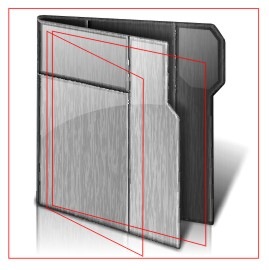
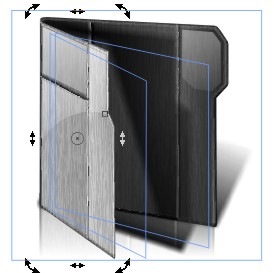
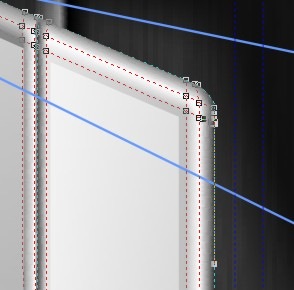
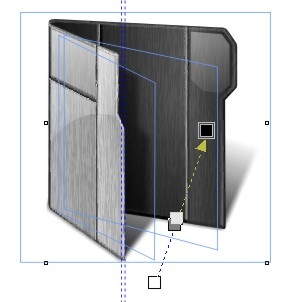
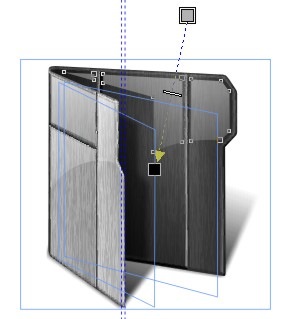
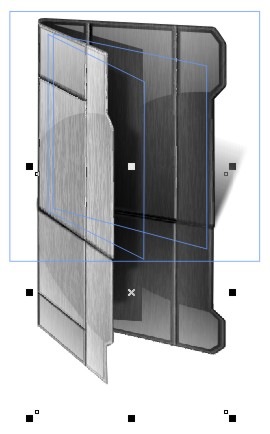
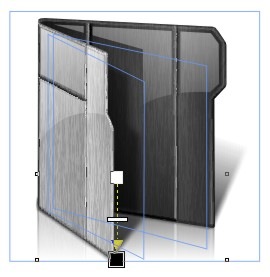
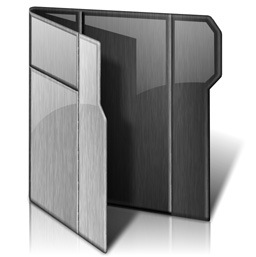
| In the original Icon-A-Day series, we only had two types of Windows folders. Closed, and Open. In Vista we have four types, consisting of five different icon files. Closed Folder, Open Folder, Live Folder (Front), Live Folder (Back), and Data Folder. This does not even include the User Folders, which in Vista are given a different style in order to set them apart from the normal system folders. Today we are going to be keeping it simple and take care of the Open Folder icon. The problem is that these will more or less be the same, visually, as the Live Folders, so today's and tomorrow's tutorials may seem a bit redundant. Open Folders: I will be using a new guide that I created to make sure that our folder works with the Live Folders; I will go into how and why I created this in tomorrows post when we create the Live Folder icons. | ||||||||
| ||||||||
| Wrap Up: Today we were able to take yesterdays work, and quickly create our Open Folder. Tomorrow we will use our work from today to quickly create our Live Folder icons. While we are at it, I will try and explain how Vista Live folders are created, and the special challenges they inflict on icon designers. | ||||||||
| Download Open Folder Icon: |  |

 WinCustomize Forums